Oura Ring vs Apple Watch: Which Is Better? (2026)
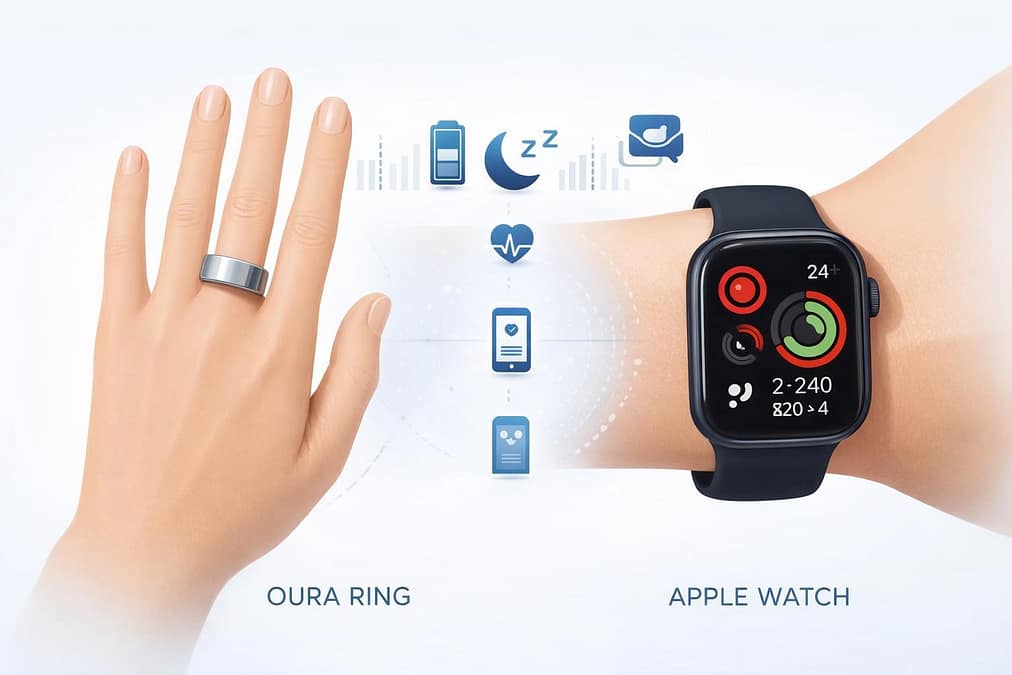
Both the Oura Ring and Apple Watch track health impressively, but they fit different lifestyles. The Oura Ring looks more like jewelry, while the Apple Watch acts as a full-on smartwatch with fitness features.
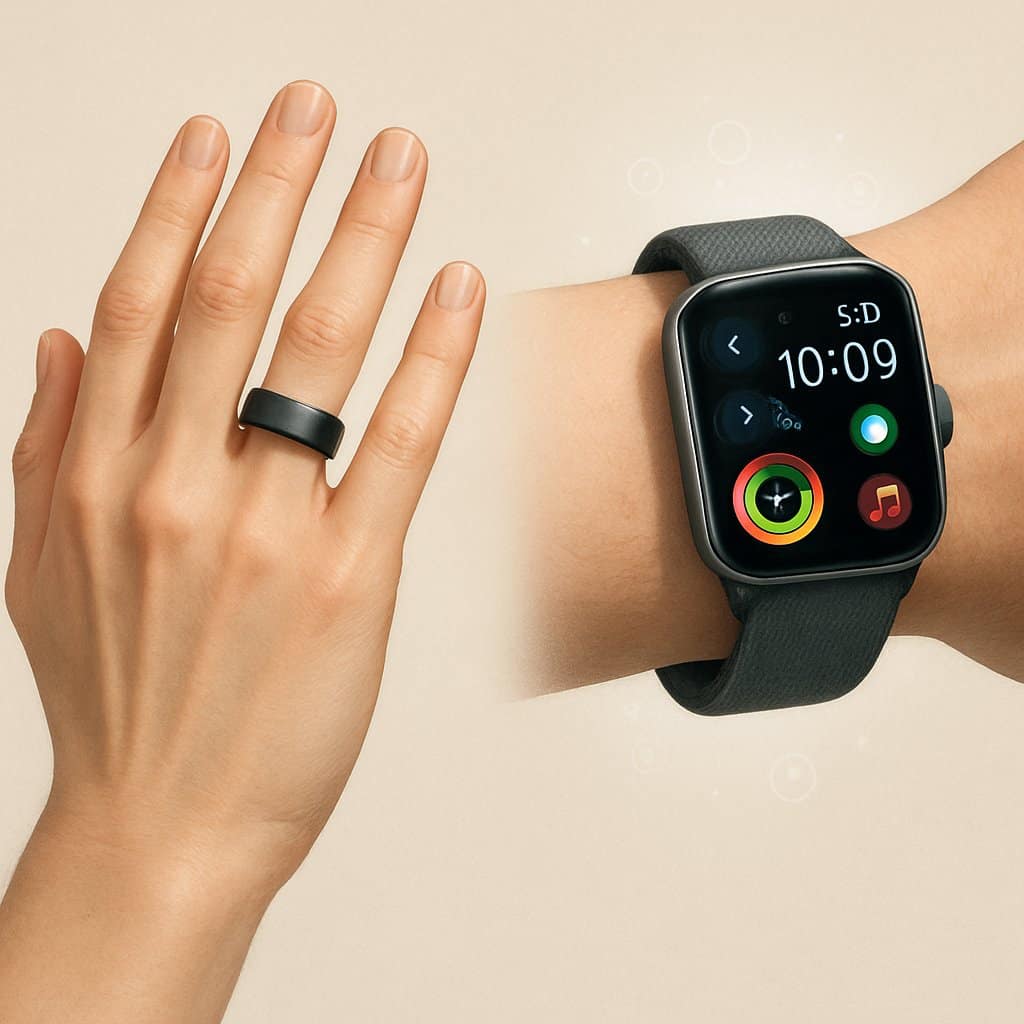
The Oura Ring nails sleep tracking and recovery, but the Apple Watch wins for workout tracking and smartphone integration. Your pick really comes down to whether you want deep sleep insights or a fitness companion loaded with smart features.
Each device has die-hard fans who love their health monitoring tools. The best option depends on your goals and daily routine.
Key Takeaways
- The Oura Ring is all about sleep and recovery, while the Apple Watch covers fitness and smart features.
- Battery life varies a lot—Oura lasts up to a week, but you’ll charge the Apple Watch daily.
- Decide based on whether you care more about sleep insights or workout tracking and phone features.
Key Differences Between Oura Ring and Apple Watch
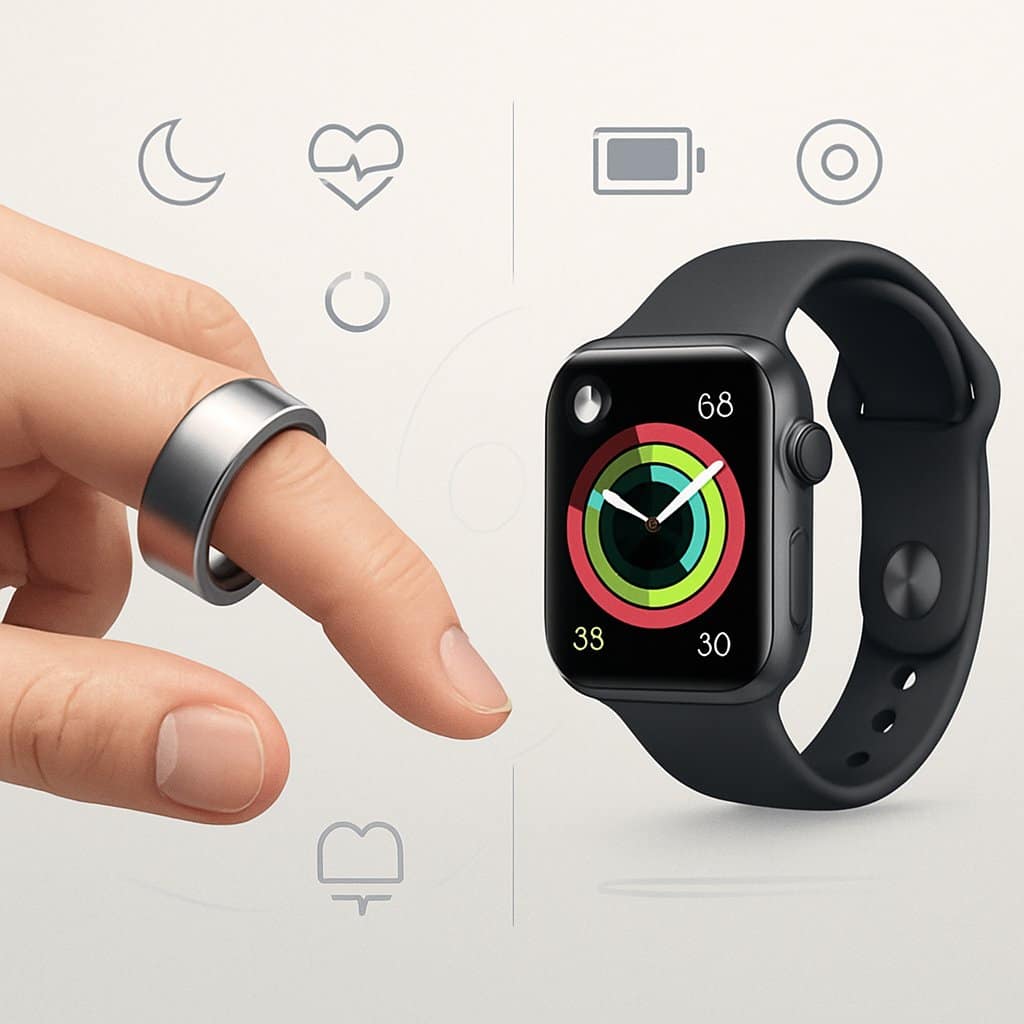
The Oura Ring and Apple Watch approach health tracking in totally different ways. The ring goes for subtle, continuous monitoring, while the watch brings the full smartwatch experience with fitness features.
Form Factor and Design
The Oura Ring looks like jewelry, unlike the Apple Watch’s obvious tech vibe. You slip the ring on your finger, and it basically disappears under gloves or in business settings.
The Apple Watch sits on your wrist with a bright screen and tons of band choices. It’s tech-forward and makes a statement, for better or worse.
Size and Weight:
- Oura Ring: Ultra-light, you’ll forget it’s there
- Apple Watch: Heavier, always noticeable
Oura’s battery can last 3-7 days, while the Apple Watch needs juice every night. Smart rings like Oura go for staying power over fancy extras.
Tracking Capabilities Overview
Each device tracks health differently, with unique strengths. The Apple Watch and Oura Ring are both powerhouses, but they don’t overlap much.
Oura Ring Strengths:
- Sleep tracking: Breaks down sleep stages and recovery
- Heart rate variability: Tracks HRV in detail
- Temperature: Monitors your skin temp nonstop
- Recovery insights: Gives you daily readiness scores
Apple Watch Strengths:
- Workout tracking: Built-in GPS and exercise detection
- Activity rings: Encourages daily movement
- Health apps: ECG, blood oxygen, fall detection
- Real-time feedback: Instant notifications and coaching
The Oura Ring quietly keeps tabs on your sleep and recovery. The Apple Watch is all about active workouts and pushing you to move.
Intended Use Cases
Your daily habits decide which fits best. The Oura Ring gives holistic coaching, while the Apple Watch is all about fitness rings and badges.
Pick Oura Ring if you:
- Want deep sleep and recovery data
- Like subtle, jewelry-style wearables
- Track long-term health trends
- Don’t need phone features on your wrist
Pick Apple Watch if you:
- Need GPS for runs or workouts
- Want calls, texts, and smart features
- Like feedback while exercising
- Already use Apple stuff
The ring is for folks focused on sleep and recovery. The watch works better for those who want full-on fitness tracking and smart features.
Sleep Tracking Performance
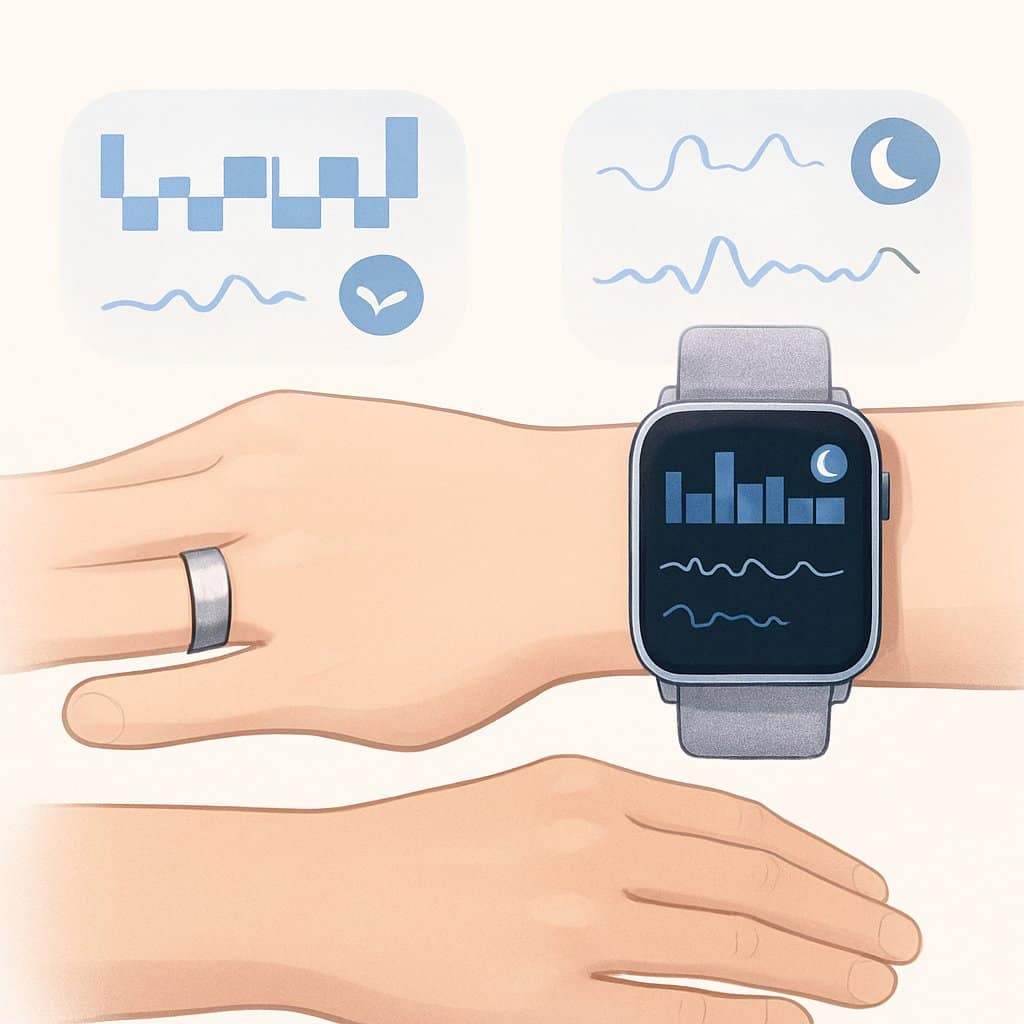
Both devices track sleep stages, heart rate, and movement at night to build sleep reports. The Oura Ring is mostly about sleep, while the Apple Watch mixes sleep with other health stats.
Accuracy and Insights
The Oura Ring is crazy accurate for sleep, thanks to constant skin contact and focused sensors. It checks body temperature, HRV, and movement all night without missing a beat.
Wearing it on your finger keeps readings steady. The Oura Ring tracks deep, REM, and light sleep stages with reliable consistency.
The Apple Watch does a decent job with sleep, but it’s not perfect. You have to wear it tight for best results, and it can shift around, which messes with the data sometimes.
Key differences in sleep insights:
- Oura Ring tracks body temp changes
- Apple Watch sticks to sleep duration and basic stages
- Oura gives readiness scores from sleep recovery
- Apple Watch ties sleep to activity goals
Both spot when you fall asleep and wake up. Oura usually gives more detailed recovery metrics.
Sleep Score Algorithms
The Oura Ring uses a detailed sleep score that looks at total sleep, efficiency, and recovery. You get a score from 0-100, based on several quality markers.
Oura’s algorithm checks:
- Time in bed vs. actual sleep
- REM and deep sleep amounts
- Consistency in sleep timing
- Heart rate and temp patterns
The Apple Watch added its sleep score more recently. It focuses on how long and consistently you sleep, plus the basics of sleep stages.
Apple’s system rewards sticking to your bedtime and wake-up schedule. Oura gives deeper feedback about recovery, while Apple keeps it simple.
Restorative Sleep Features
The Oura Ring 4 and 3 both track overnight recovery using temp and HRV. These numbers show how well your body bounced back while you slept.
You’ll see recovery insights like:
- Overnight heart rate trends
- Body temp changes
- Sleep debt calculations
- Best bedtime suggestions
The Apple Watch covers basic recovery, mainly focusing on sleep duration. It checks your heart rate at night and gives a general idea of sleep stages.
Recovery tracking comparison:
| Feature | Oura Ring | Apple Watch |
|---|---|---|
| Temperature monitoring | ✓ | ✗ |
| HRV tracking | ✓ | Limited |
| Recovery scores | ✓ | Basic |
| Sleep debt analysis | ✓ | ✗ |
The Oura Ring gives you actionable recovery advice from your sleep data. The Apple Watch leans more into building sleep habits than breaking down recovery metrics.
Activity and Fitness Tracking
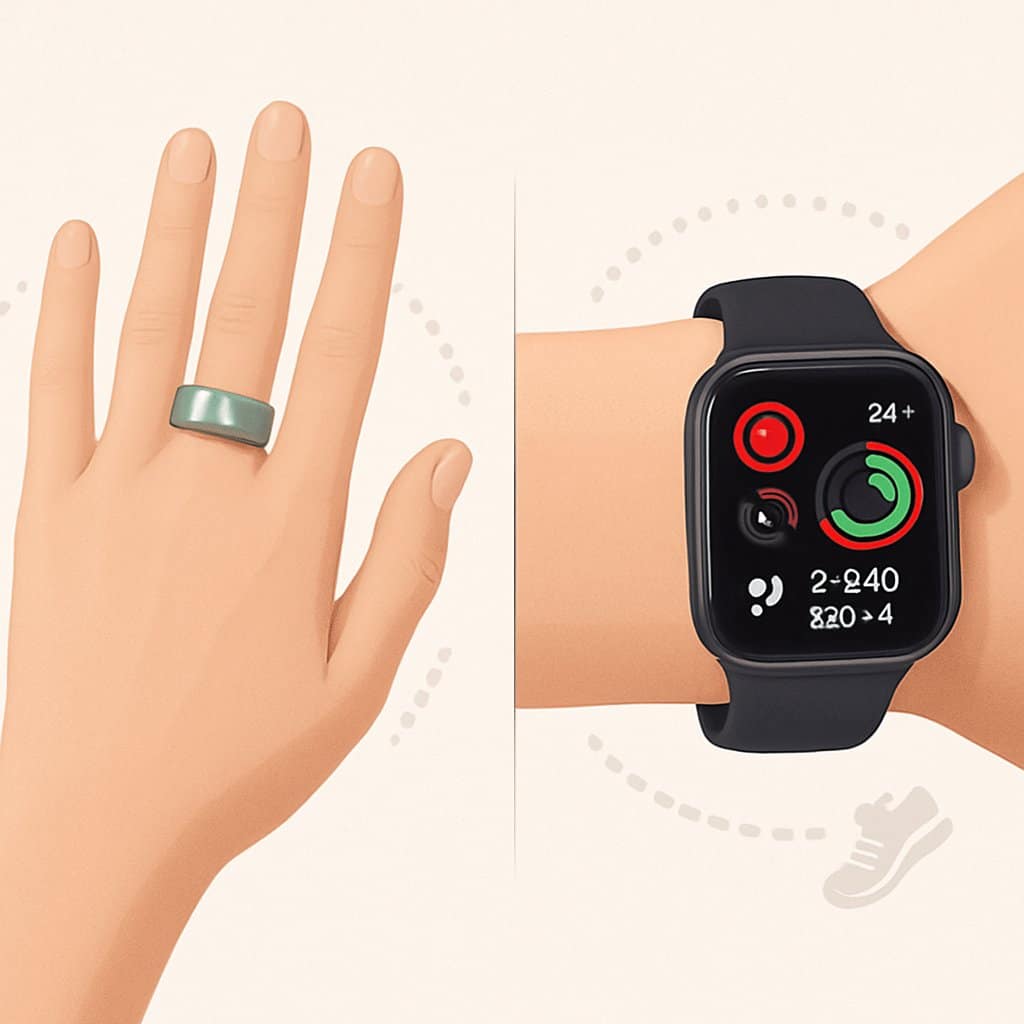
Both devices track your daily movement and workouts, but their methods differ. The Apple Watch delivers real-time feedback and detailed workout stats, while the Oura Ring highlights recovery and overall activity trends.
Automatic Activity Recognition
The Apple Watch spots activities like walking, running, cycling, and swimming automatically. It’ll ping you if it notices you’re working out but forgot to start the tracker.
The Oura Ring keeps it more basic. It tracks your overall movement but won’t pick out specific workouts unless you log them in the app.
Apple Watch advantages:
- Recognizes 10+ activities
- Reminds you to log workouts
- Knows if you’re inside or outside
Oura Ring limitations:
- No auto workout detection
- Manual logging needed for exercises
- Focuses on daily movement, not workout types
The Apple Watch is better for fitness tracking with its sensors and instant detection.
Workout Modes and Data
The Apple Watch offers tons of workout modes with in-depth stats. You get real-time heart rate zones, pace, distance, and calories as you exercise.
Popular Apple Watch modes include running, cycling, swimming, strength training, yoga, and HIIT. Each mode gives you data that matters for that activity.
The Oura Ring keeps workout options simple, focusing on recovery. It monitors HRV, body temp changes, and sleep quality after you work out.
Apple Watch workout data:
- Real-time heart rate zones
- GPS tracking outdoors
- Workout summaries with charts
- Connects to fitness apps
Oura Ring workout data:
- Post-workout recovery stats
- HRV trends
- Sleep impact from exercise
- Readiness scores for training
Both track heart rate, steps, and distance, but they present the info in their own style.
Motivation and Goal Setting
The Apple Watch uses three activity rings to nudge you toward daily movement. You try to close your Move, Exercise, and Stand rings each day.
It sends notifications and awards achievements as you hit goals. You can compete with friends and snag badges for finishing challenges.
The Oura Ring skips daily activity goals and instead focuses on readiness and recovery scores. It lets you know when your body’s primed for intense activity—or just needs a break.
Apple Watch motivation features:
- Daily activity rings
- Weekly challenges
- Social competitions with friends
- Achievement badges
Oura Ring motivation approach:
- Daily readiness scores
- Recovery recommendations
- Long-term trend analysis
- Gentle activity suggestions
The Apple Watch keeps you moving throughout the day. The Oura Ring leans into balance, mixing activity and recovery for long-term health.
Health Monitoring Features
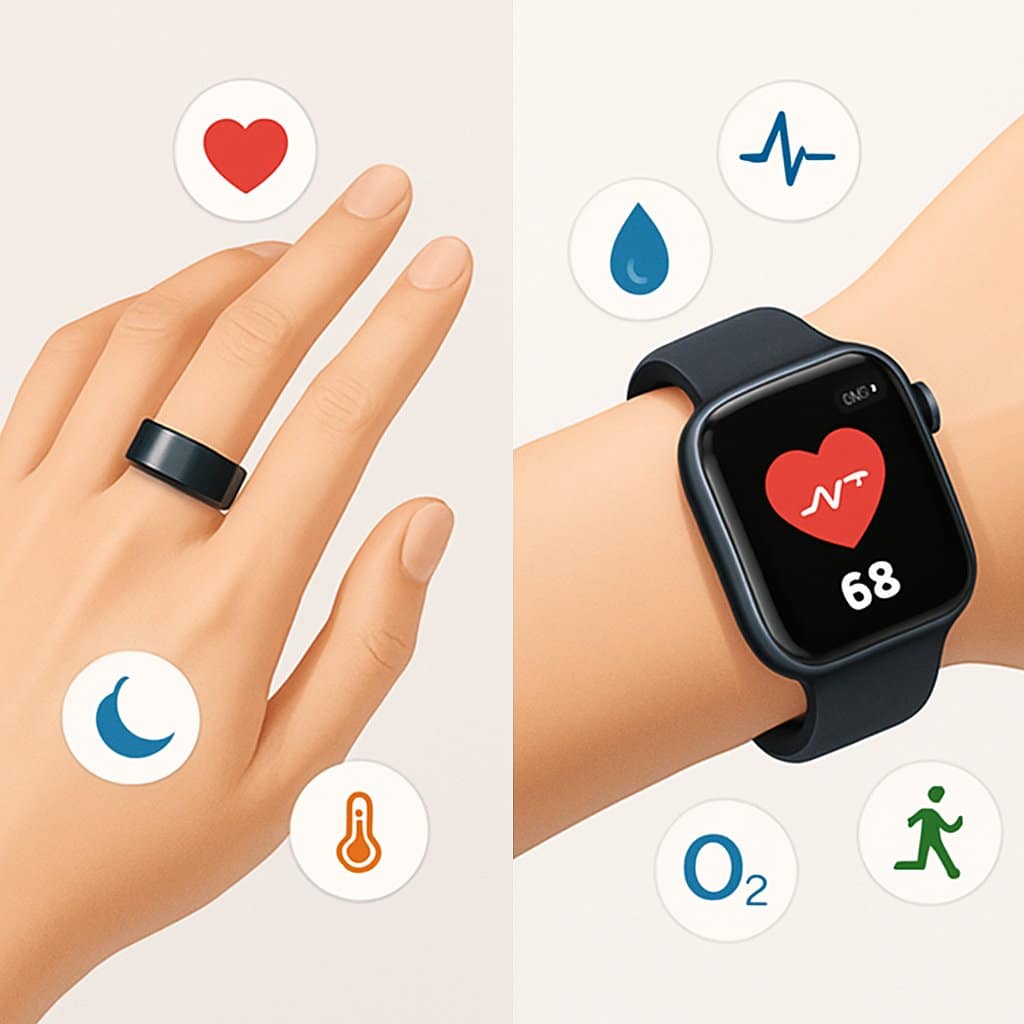
Both devices track essential health metrics, but they take different routes with heart rate accuracy, glucose integration, and illness detection. The Apple Watch covers more ground with heart monitoring, while the Oura Ring shines with temperature-based health insights.
Heart Rate Monitoring
The Apple Watch tracks your heart rate all day using optical sensors. You can check your heart rate in real-time during workouts or just regular life, right on the watch.
Apple’s smartwatch packs in heart health features like ECG readings and irregular rhythm detection. It’ll ping you if your heart rate spikes or drops unexpectedly.
The Oura Ring tracks your resting heart rate and heart rate variability while you sleep and during downtime. It doesn’t do continuous tracking like the Apple Watch.
Key differences:
- Apple Watch: Continuous tracking, ECG, irregular rhythm alerts
- Oura Ring: Resting heart rate, HRV focus, nighttime monitoring
Glucose Monitoring Capabilities
Neither device measures blood glucose directly. Both lack built-in glucose sensors.
The Apple Watch can connect to third-party continuous glucose monitors (CGMs) through apps. You can see glucose data from devices like Dexcom right on your wrist.
Apple Health stores readings from connected devices and manual entries, so you get a central hub for tracking.
The Oura Ring doesn’t support direct CGM integration. You’ll need separate apps or devices to track glucose with your Oura data.
Current limitations:
- No direct glucose measurement on either device
- Apple Watch offers better third-party CGM integration
- Both require separate glucose monitoring devices
Temperature and Illness Detection
The Oura Ring is great at temperature monitoring with sensitive sensors that track your body temperature overnight. It builds your personal baseline over about 60 days.
You’ll get alerts if your temperature shifts from your normal range. This can flag early signs of illness or fever before you even notice symptoms.
The Apple Watch Series 8 and newer have wrist temperature sensors, but they mostly focus on cycle tracking rather than illness detection.
Temperature tracking comparison:
- Oura Ring: Continuous overnight monitoring, illness detection, 60-day baseline
- Apple Watch: Limited temperature sensing, mainly for reproductive health
The Oura Ring digs deeper into temperature insights. It can catch subtle changes that hint your body’s fighting off illness or under stress.
Your Oura app shows temperature trends over time, helping you spot patterns tied to sleep, recovery, and overall health.
Battery Life and Charging Experience
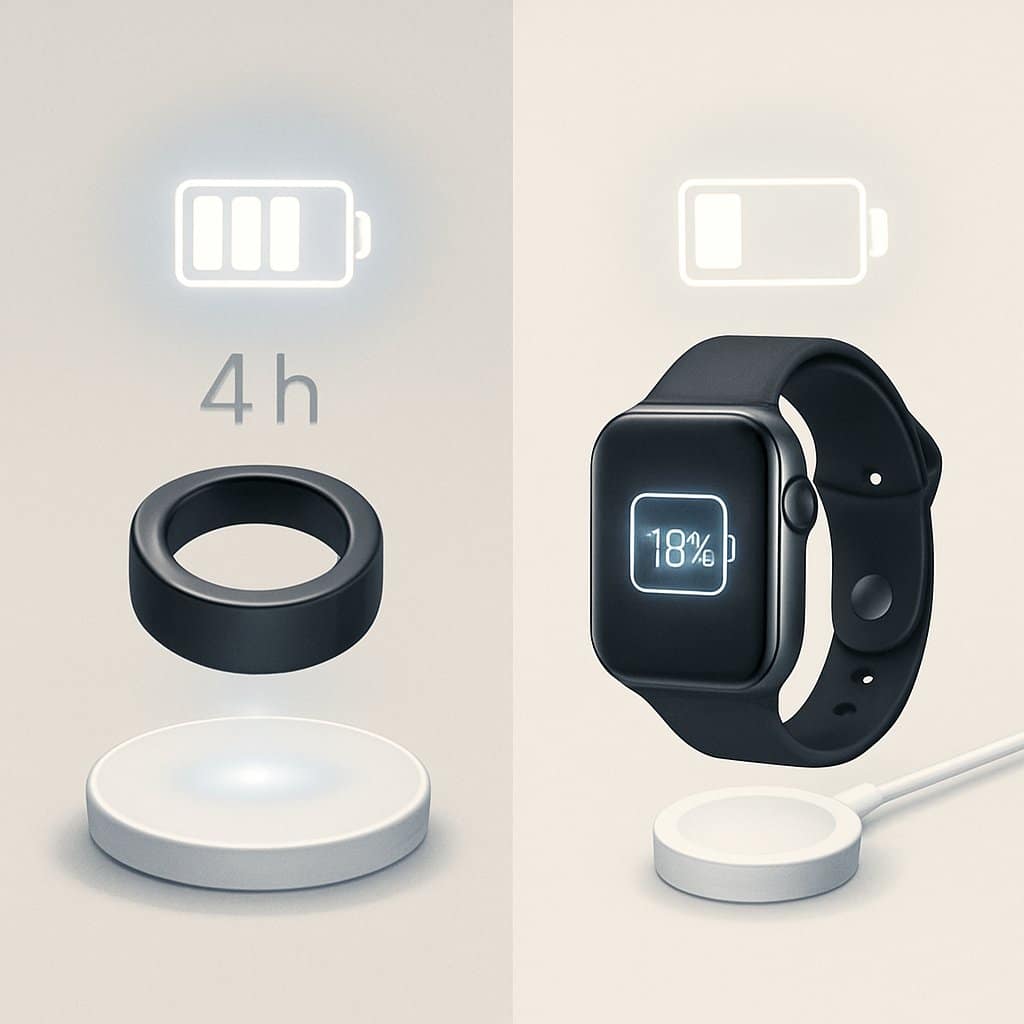
The Oura Ring lasts up to 8 days, while the Apple Watch usually needs a daily charge. The charging methods are pretty different and can change your routine.
Typical Battery Duration
The Oura Ring typically lasts 7-8 days on a single charge. You can wear it for a whole week without thinking about charging.
Some folks get 6-7 days depending on how much they use it. The ring keeps tracking steadily the whole time, so you don’t lose out on data.
The Apple Watch needs a daily charge, with a rated battery life of 18 hours. Most people squeeze out about 26 hours in regular use.
Heavy GPS workouts and lots of notifications drain the Apple Watch faster. Realistically, you’ll want to charge it every night to keep it ready for the next day.
Charging Methods
The Oura Ring charges on its own dock, which holds the ring snugly. You just drop the ring on, and it charges wirelessly through magnetic contact points.
It takes about 80 minutes for a full charge. The dock’s small, travels easily, and plugs in with USB-C.
The Apple Watch uses a magnetic puck charger. You snap the watch onto it, and it attaches to the back magnetically.
Fast charging gets the Apple Watch to 80% in about 45 minutes. You can use nightstand mode while it charges, so it doubles as a bedside clock.
Comfort and Wearability
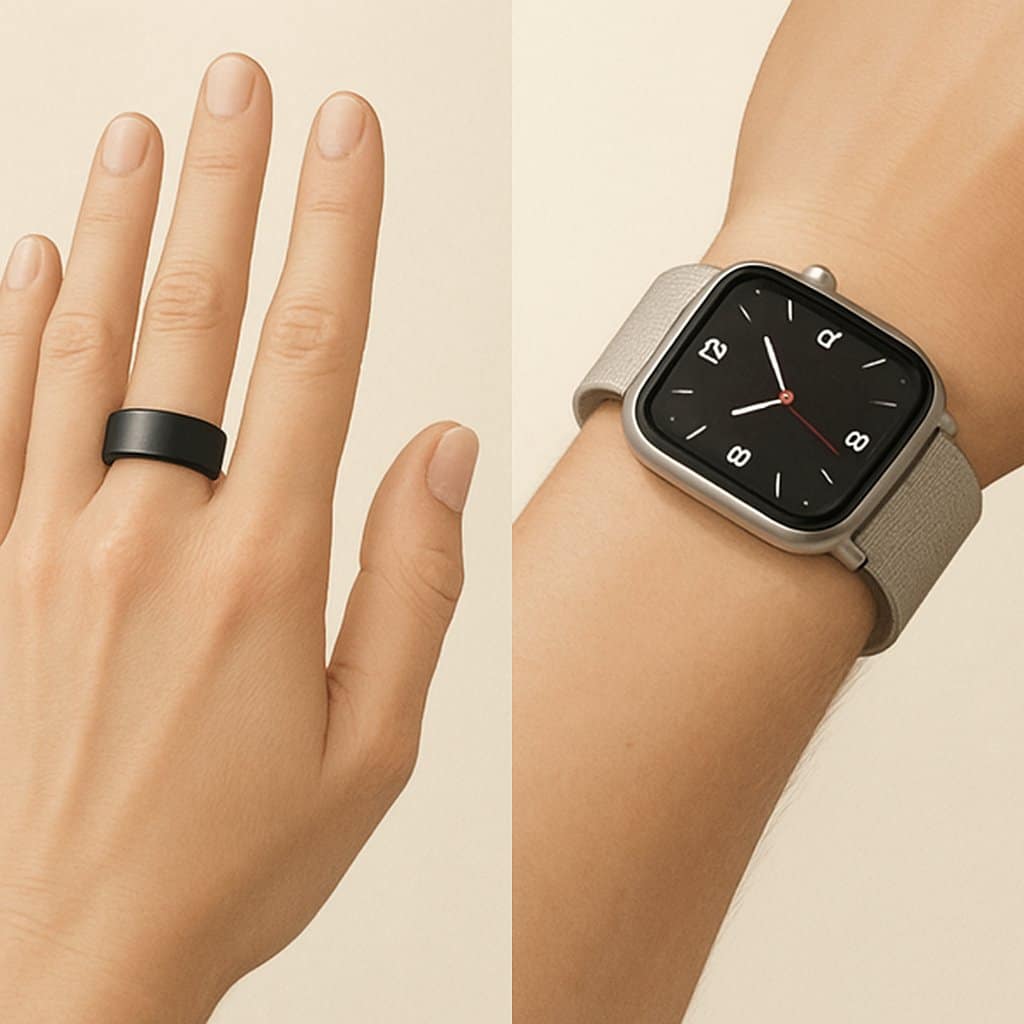
The Oura ring feels almost invisible on your finger. The Apple Watch is bulkier and stands out more on your wrist. Both offer different comfort experiences depending on when and how you wear them.
Everyday Comfort
The Oura ring weighs just 4-6 grams, depending on size. You’ll barely notice it while typing, cooking, or working out.
It fits snugly and doesn’t slide around. You don’t have to worry about it catching on clothes or getting in the way when you use your hands a lot.
The Apple Watch is heavier, between 31-51 grams depending on the model and band. You’ll feel it on your wrist all day, especially if you move your wrists a lot.
Temperature tolerance varies quite a bit:
- Oura ring: 14°F to 125°F operational range
- Apple Watch: 32°F to 95°F recommended range
You can wear the Oura ring in saunas or hot tubs. The Apple Watch should come off in extreme temperatures.
The ring handles water better for daily stuff. You can shower, do dishes, or swim without worrying about bands getting soggy or needing extra care.
Sleep and Overnight Use
The Oura ring is fantastic for sleep. Most people forget they’re even wearing it, so it’s ideal for tracking sleep every night.
The ring stays put and won’t press into your skin if you move around in bed. No awkward pressure points or shifting.
The Apple Watch can feel bulky at night for a lot of folks. Its size and weight can get uncomfortable if your wrist presses against a pillow or your body.
Sleep comfort comparison:
| Device | Weight | Sleep Comfort | Position Stability |
|---|---|---|---|
| Oura Ring | 4-6g | Excellent | Very stable |
| Apple Watch | 31-51g | Fair to good | Can shift |
The band material on the watch matters for overnight comfort. Sport bands can trap heat and sweat, while some people prefer leather or fabric bands for long wear.
Battery life also affects sleep tracking. The Oura ring lasts up to a week, so you rarely have to take it off for charging at night.
Integrations and Compatibility
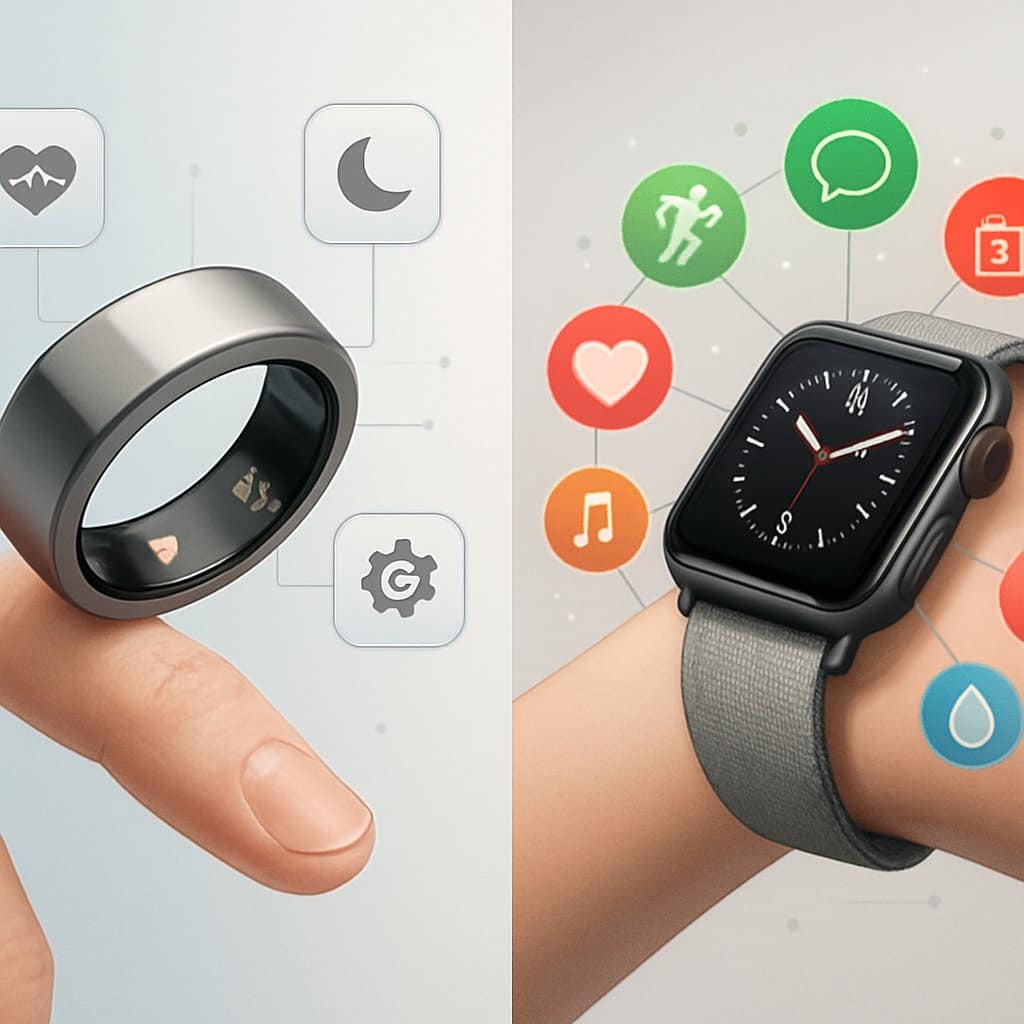
The Oura Ring works with both iOS and Android, supporting over 40 health apps. The Apple Watch needs an iPhone and is deeply tied to Apple’s ecosystem, so cross-platform compatibility is limited.
Mobile App Ecosystem
The Oura Ring syncs with iPhone and Android via its own app. You can grab it from the App Store or Google Play.
Your ring syncs automatically to show sleep data, activity, and health stats. The app lays out your scores and trends in simple charts.
The Apple Watch only works with iPhones running iOS 17 or newer. You’ll need an iPhone XS or later to use all the features.
The Watch app comes pre-installed on your iPhone, handling settings, app downloads, and health data syncing with Apple’s services.
The watch can also unlock your Mac, and you can use Apple Pay from your wrist when it’s paired with your phone.
Third-Party App Support
The Oura Ring integrates with over 40 popular health and fitness apps, so it’s pretty versatile. You can sync your data with Strava, MyFitnessPal, and Google Fit.
Some of the most popular apps that work with Oura:
- Strava for workout tracking
- Natural Cycles for fertility tracking
- Flo for period tracking
- Google Health Connect for Android users
The Apple Watch taps into thousands of apps on the App Store. Download fitness apps, meditation tools, or productivity helpers straight to your wrist.
Third-party developers often make Apple Watch versions of big-name apps like Spotify, Uber, and Nike Training Club. The watch can run these apps without needing your phone nearby.
Apple Health and Other Platforms
If you use an iPhone, both devices sync with Apple Health. The Oura Ring sends sleep, heart rate, and activity data right to Apple’s platform.
The Apple Watch goes deeper with Apple Health. It tracks workouts, heart rate, and daily movement automatically—no fiddling required.
Android users can only pick the Oura Ring, since Apple Watch doesn’t play nice with Android. The ring works with Google Health Connect and Samsung Health.
The Oura Ring also connects to platforms like Strava and Google Fit. That makes it more versatile if you bounce between platforms.
Apple Watch users get perks like unlocking a Mac, finding lost devices, and using Siri across Apple gadgets.
Models and Pricing Comparison
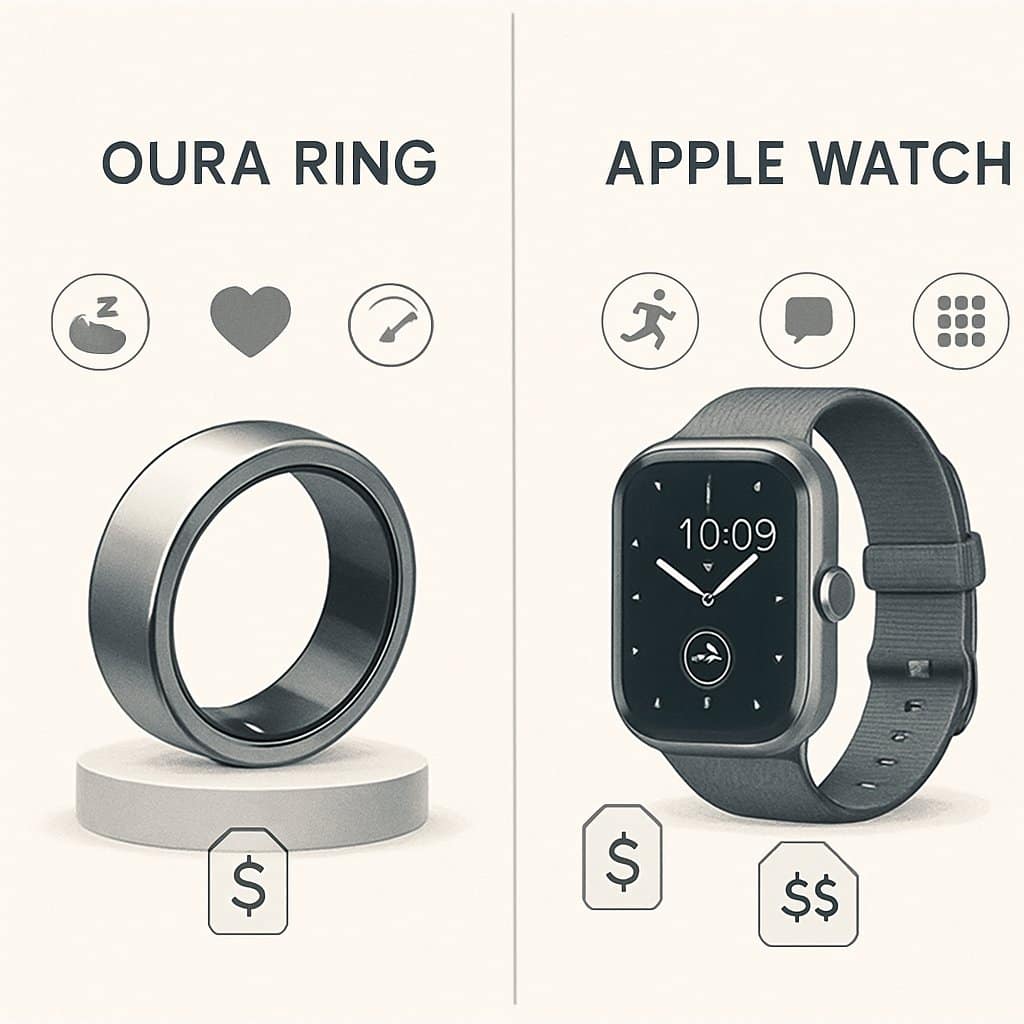
Both Oura and Apple have several device options at different prices. The Oura Ring 4 is the latest, competing with Apple Watch’s lineup. Monthly subscription fees bump up the total cost for both.
Oura Ring 3 vs. Oura Ring 4
The Oura Ring 4 costs $349. The Oura Ring 3 is still around for $299. Both offer core health tracking features.
The Ring 4 is more accurate and the battery lasts longer. You also get better sleep tracking and improved heart rate monitoring during workouts.
Both rings come in silver, black, stealth, gold, and rose gold. Sizes range from 6 to 13 so you can find a good fit.
Key differences:
- Ring 4: Upgraded sensors, 7-day battery, more precise readings
- Ring 3: Cheaper, 4-5 day battery, solid reliability
Apple Watch Series Comparisons
Apple has three main models. The Apple Watch SE starts at $249 and is the budget pick.
The Series 10 comes in at $399 for the 42mm and $429 for 46mm. It packs the latest sensors and fastest chip.
The Ultra 2 is $799, aimed at athletes and outdoor types. It’s got a titanium case, longer battery, and special workout modes.
Storage and connectivity affect price:
- GPS-only models cost less than cellular
- More storage adds $100-150
- Bands range from $49 for sport to $349 for leather
Subscription Costs
Both devices want a monthly subscription for full features. Oura charges $5.99/month after a free trial.
Apple Watch users pay $9.99/month for Apple Fitness+ if they want guided workouts. Basic health tracking is free, though.
Your annual costs look like this:
- Oura Ring: $72/year (needed for most features)
- Apple Watch: $120/year (totally optional for extra content)
The Oura Ring subscription is required for sleep scores, readiness, and detailed insights. Apple’s subscription just adds guided workouts and meditation on top of free features.
Which Device Is Right for You?
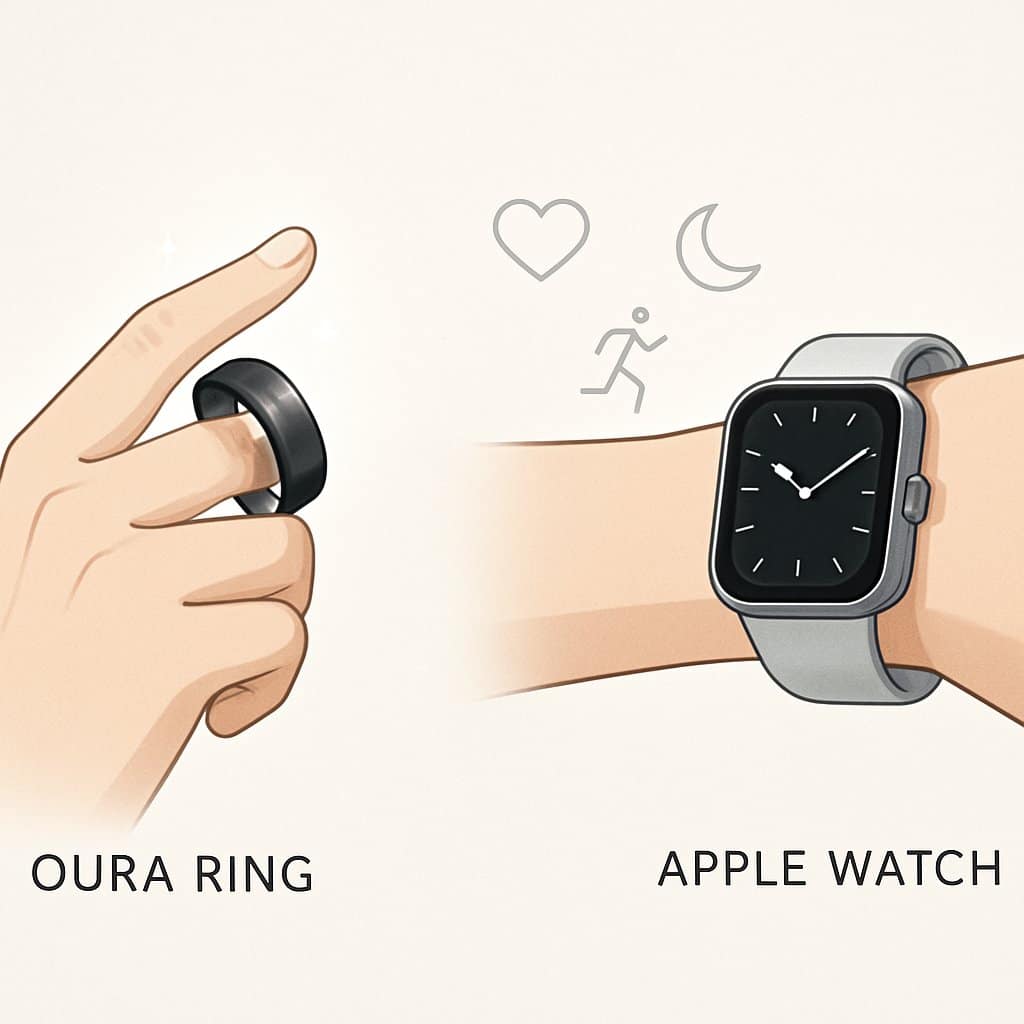
Picking between these comes down to your lifestyle and what you actually want from a wearable. They fit different types of people, honestly.
Go with the Oura Ring if you:
- Want all-day comfort with zero bulk
- Care most about sleep and recovery
- Like a device that looks like jewelry
- Need 5-7 days of battery life
- Don’t want notifications or apps bugging you
Pick the Apple Watch if you:
- Want a full-on smartwatch with apps and notifications
- Need GPS for outdoor runs or rides
- Like having an extension of your iPhone on your wrist
- Want in-depth workout tracking
- Don’t mind charging every day
The Oura Ring is ideal if you want simple health tracking without constant pings. It shines for sleep monitoring and recovery.
The Apple Watch fits active users who want a true smart device. It offers more fitness features and plays nicer with lots of apps.
Budget matters, too. Oura needs a monthly fee for most features. Apple Watch is pricier upfront but doesn’t force ongoing costs.
Think about when you’ll actually wear it. The ring is comfy 24/7, but some folks ditch watches for sleep or work.
Frequently Asked Questions
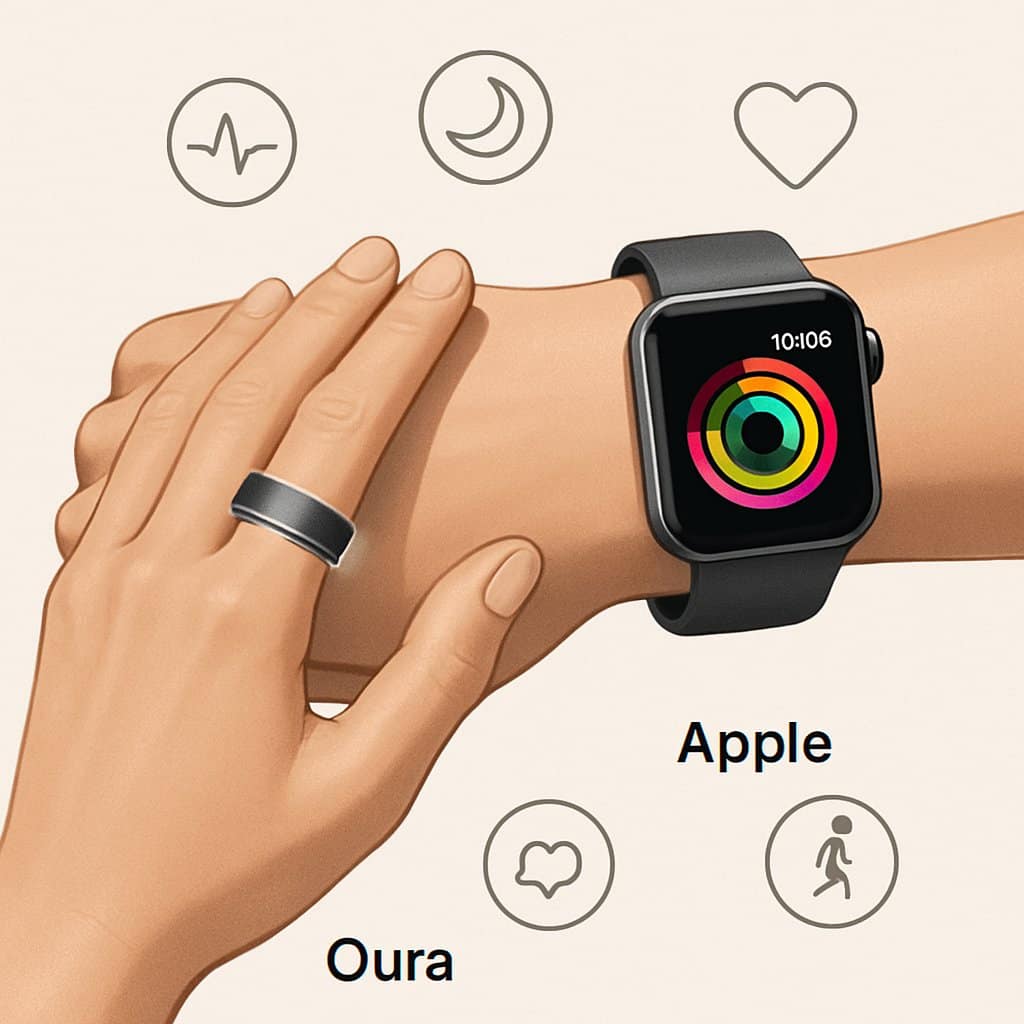
The Oura Ring really shines for sleep tracking and recovery, while the Apple Watch packs more fitness features and smart tools. Both track heart rate, but use different tech and sit on different parts of your body.
How do the sleep tracking features compare between the Oura Ring and Apple Watch?
Most folks agree the Oura Ring is the better sleep tracker. It monitors your sleep stages, body temperature, and heart rate variability all night, and it’s impressively accurate.
Wearing it on your finger means better blood flow readings overnight. It tracks deep, REM, and light sleep phases more precisely than most wrist devices.
Apple Watch does basic sleep tracking. It can spot when you fall asleep, wake up, and track how long you slept, plus a few sleep stages.
But side-by-side tests show Oura gives more detailed sleep insights. Apple Watch leans more on sleep scheduling and bedtime routines.
Which is more accurate in monitoring heart rate, the Oura Ring or Apple Watch?
Both are accurate, but they go about it differently. Apple Watch uses optical sensors on your wrist and tracks heart rate all day long.
The Oura Ring checks heart rate from your finger, which often means better readings at rest and while sleeping. Fingers usually have stronger blood flow than wrists.
For workouts, though, Apple Watch comes out ahead. It tracks real-time heart rate changes during exercise more reliably than the ring.
The Oura Ring is better for resting and overnight heart rate. Testing both shows each has its strengths for heart rate, depending on the situation.
Can the Oura Ring substitute an Apple Watch entirely for health tracking?
The Oura Ring can’t totally replace an Apple Watch for all health tracking. It’s focused on sleep, recovery, and basic activity.
You won’t get GPS, workout detection, or real-time fitness coaching with Oura. It also skips smart features like notifications, apps, or phone calls.
The Apple Watch covers comprehensive fitness tracking, lots of workout modes, fall detection, and even ECG. It’s also a smartwatch for calls, texts, and apps.
Comparing the two makes it clear: Oura is a specialist for sleep and recovery, not a full Apple Watch substitute.
How does the Oura Ring performance differ from the Apple Watch Ultra in terms of durability and features?
The Apple Watch Ultra is seriously tough, with a titanium case and water resistance up to 100 meters. It’s built for extreme sports and rough conditions.
The Oura Ring is durable in a different way. It’s water-resistant and made for daily wear like jewelry, but not for wild adventures.
Feature-wise, the Ultra has GPS, cellular, tons of workout tracking, and emergency features. It’s got a big screen and lots of processing power.
The Oura Ring focuses on passive health tracking with no screen or active features. Comparisons show the Ultra is best for active tracking, while Oura is better for always-on health monitoring.
What are the capabilities of the Oura Ring and Apple Watch regarding fertility tracking?
The Oura Ring tracks body temperature, which helps with fertility awareness. It monitors your basal temperature changes throughout your cycle.
Temperature shifts can flag ovulation patterns if you track consistently. The ring’s always-on sensors provide data that might help with natural family planning.
Apple Watch has cycle tracking in the Health app, letting you log symptoms, flow, and fertility data by hand.
But Apple Watch doesn’t automatically track body temp for fertility. Oura gives you more passive, automatic data for reproductive health.
Is there a significant difference in the overall accuracy of health metrics between the Oura Ring and Apple Watch?
Both devices provide accurate health metrics, but their strengths really depend on the type of measurement. It honestly comes down to what specific health data you’re hoping to track.
Step tracking comparisons highlight differences in activity measurements between the two. Each one uses its own algorithms and sensor placements, which changes the results a bit.
The Oura Ring usually nails sleep metrics, recovery data, and resting measurements. On the other hand, the Apple Watch shines when it comes to active fitness tracking and real-time workout stats.
Work with a certified trainer who comes to you: home, building gym, or park. Matched to your goals, not just whoever’s available.
Get matched with a trainer